macOS Menu Bar App
AI Usage Monitor
A native SwiftUI macOS menu bar app that shows remaining subscription usage for your AI coding tools — all in one place.
What it does
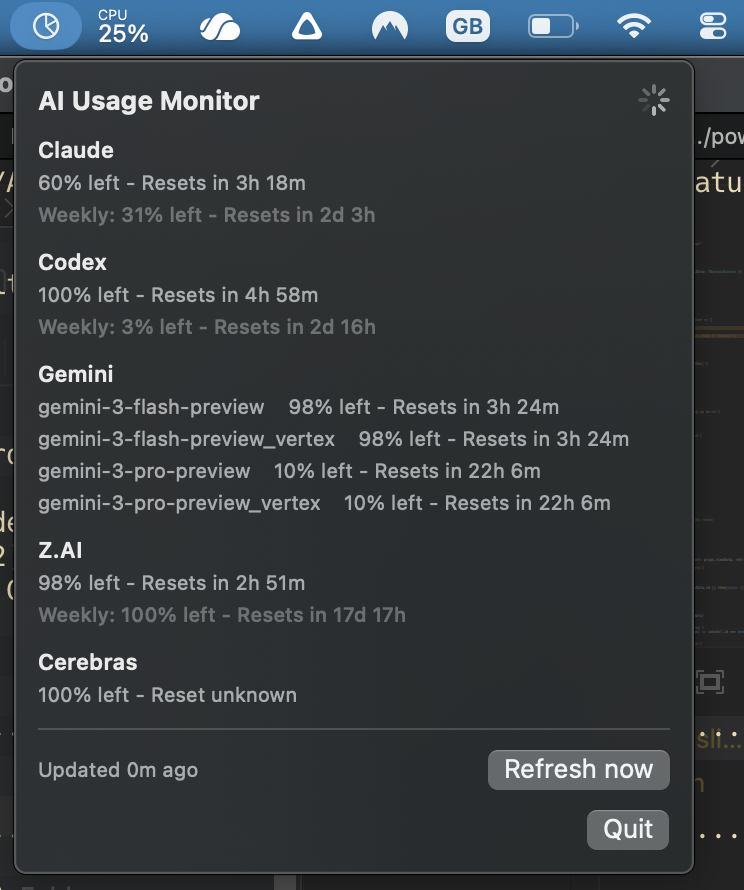
- Runs as a MenuBarExtra app with a compact SwiftUI panel
- Polls every 5 minutes for usage updates
- Uses direct provider APIs (no interactive CLI scraping)
- Shows remaining quota %, reset timing, and error badges
- Reuses local auth context from ~/.codex and ~/.gemini
- Supports Claude, Gemini, Codex, Cerebras, Kimi, Minimax, Z.AI, and more
- Shows OpenCode Go's 5-hour, weekly, and monthly limits using its read-only usage API
- Tracks Command Code's 5-hour, weekly, and monthly subscription credits without making model requests
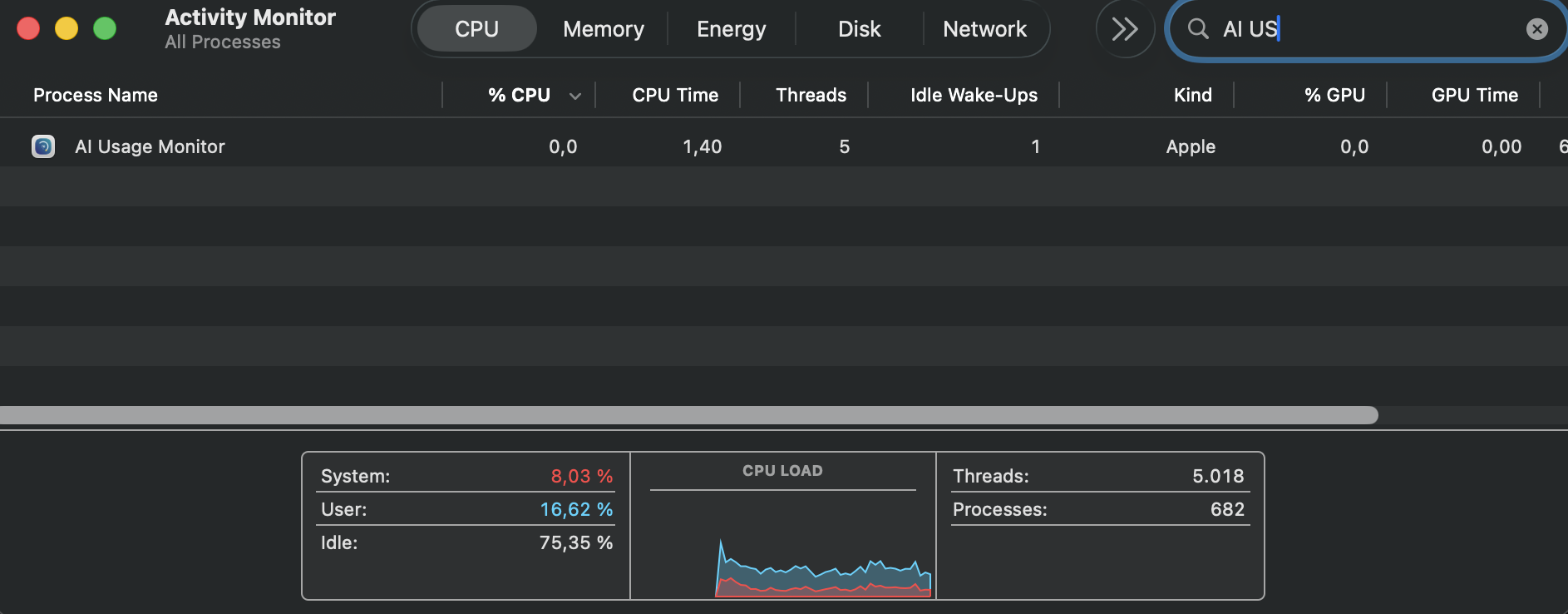
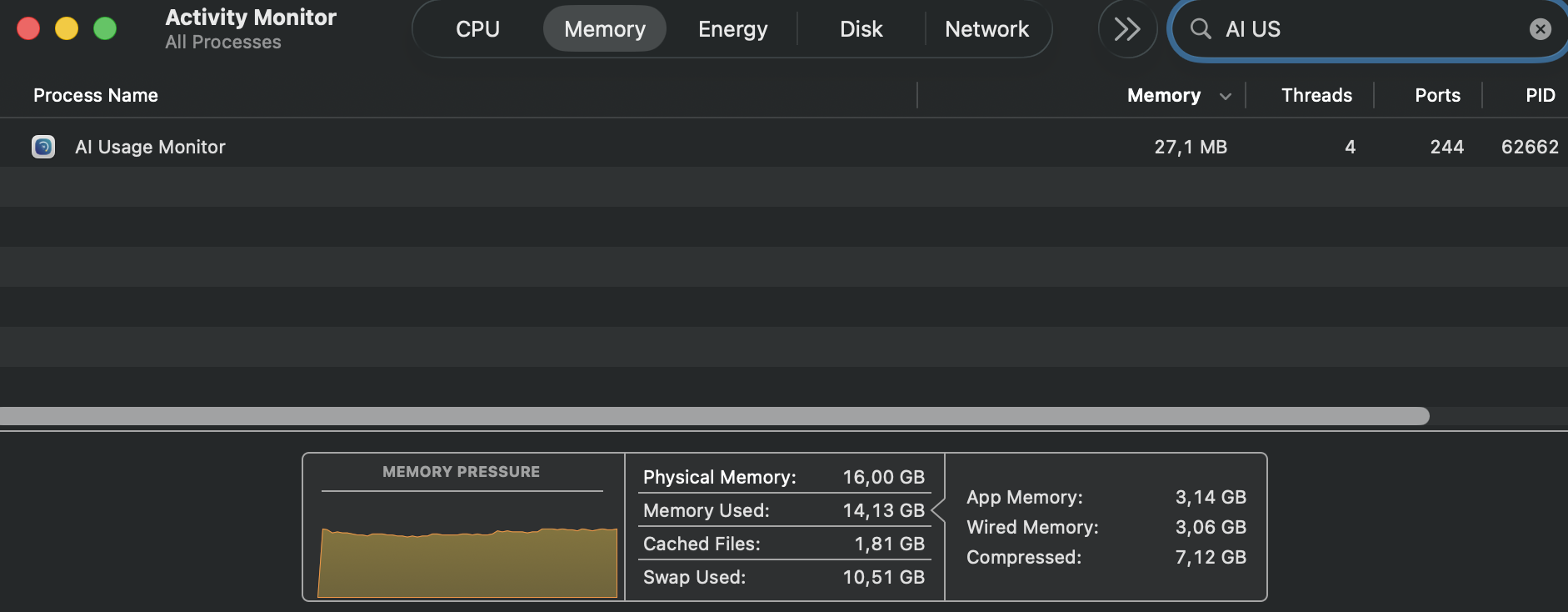
- Tiny footprint with minimal resource usage
Supported Providers
Claude Gemini Codex Cerebras Kimi Minimax Z.AI OpenCode Go Command Code
How to Install
1
Download the .dmg
Click the download button above to get the latest release.
2
Open and Drag to Applications
Open the downloaded .dmg file and drag AI Usage Monitor to your Applications folder.
3
Allow the App (First Launch)
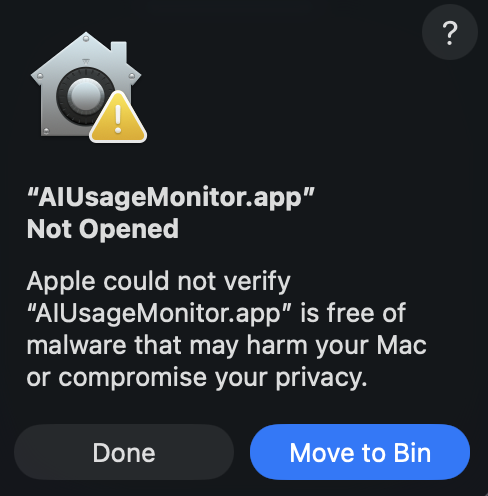
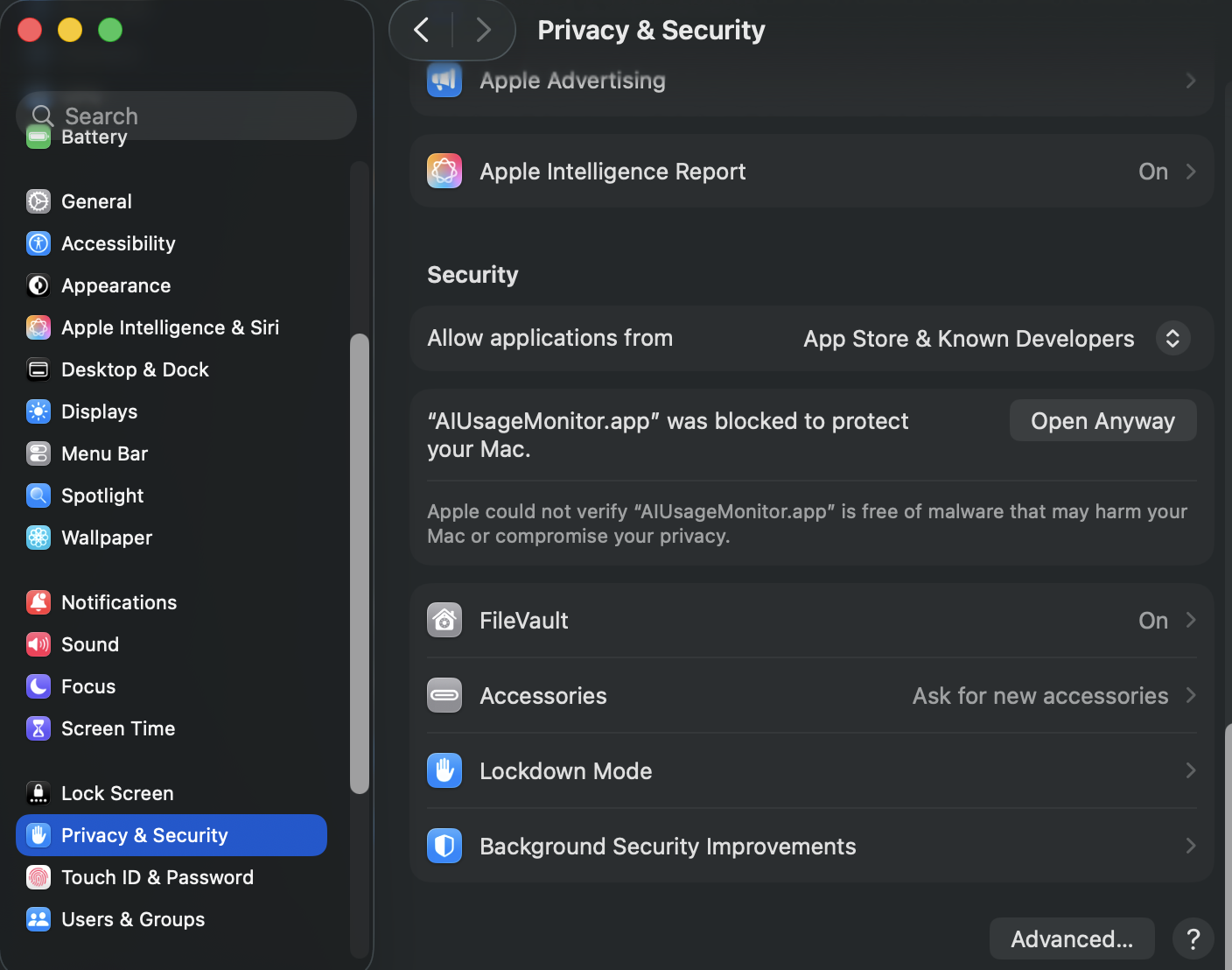
Since the app is not code-signed, macOS will block it on first launch. Go to System Settings → Privacy & Security and click Open Anyway.
This is expected behavior for unsigned apps. The app is open source and safe to use.